Laravel applications, by default, operate in Coordinated Universal Time (UTC). While this is a standard for consistency, it might not be ideal for displaying dates and times relevant to your specific users' locations. Luckily, Laravel provides ways to adjust the application's timezone for a more user-friendly experience.
Any developers should modify the timezone of a Laravel application depending on where their apps start a business in.
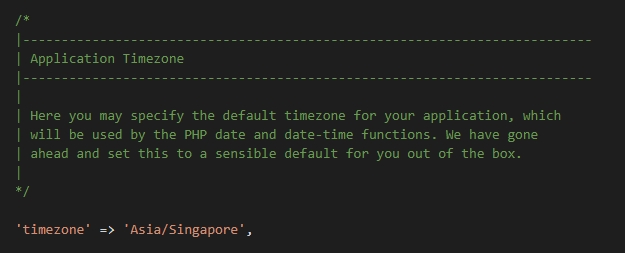
In a Laravel app, there is a setting called timezone in config/app.php file. To change the timezone, we need to modify its value.
The default timezone is 'UTC'. We can change it to something like 'Asia/Singapore'.
/*
    |--------------------------------------------------------------------------
    | Application Timezone
    |--------------------------------------------------------------------------
    |
    | Here you may specify the default timezone for your application, which
    | will be used by the PHP date and date-time functions. We have gone
    | ahead and set this to a sensible default for you out of the box.
    |
    */

    'timezone' => 'Asia/Singapore',
You can find the list of timezone names here.
Another way to modify the timezone is to use the .env file.
In config/app.php file
'timezone' => env('APP_TIMEZONE', 'UTC'),
In .env file
APP_TIMEZONE='Asia/Singapore'
Comments